PDF workflows
PDF tools: choose the right tool for the job
By DeckleUpdated
To pick the right PDF tool, start from the result you need: one PDF from several, fewer or reordered pages, separate files, images of pages, or the text on its own. Deckle has a tool for each, such as Merge PDFs, Organize PDF pages and PDF to JPG. Every tool runs in your browser, creates a new file and leaves your original as it was.
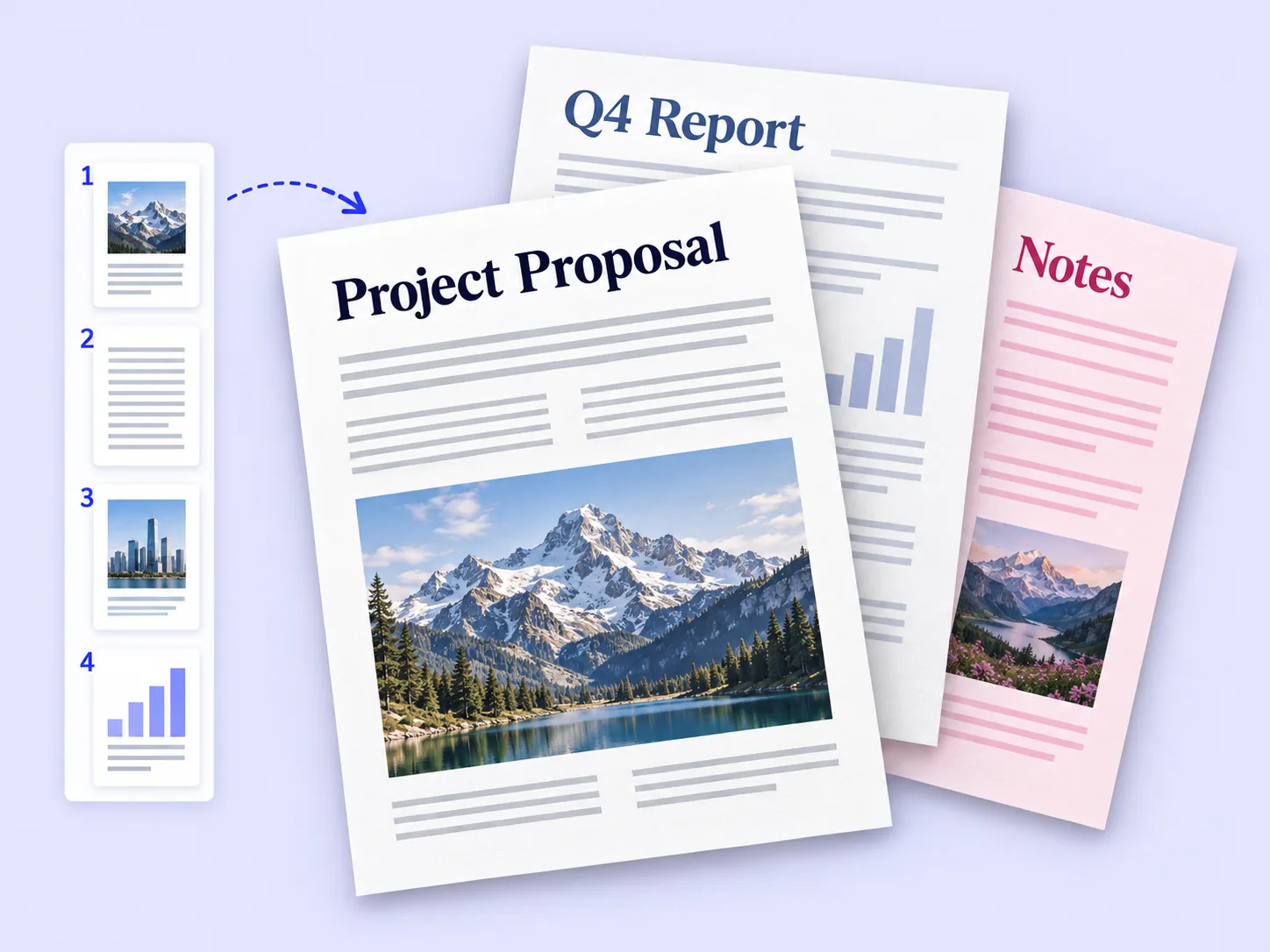
Find the right tool for the job
| You want to | Use | Guide |
|---|---|---|
| Combine several PDFs into one | Merge PDFs | Merge PDF files in the right order |
| Remove pages | Organize PDF pages | Delete pages from a PDF |
| Change the page order | Organize PDF pages | Reorder pages in a PDF |
| Break a PDF into several files | Split PDF | Split a PDF by page range |
| Turn sideways pages the right way up | Rotate PDF | Rotate a PDF permanently |
| Make a PDF from photos or scans | JPG to PDF, PNG to PDF, HEIC to PDF, TIFF to PDF | Images to PDF guides |
| Get images of PDF pages | PDF to JPG, PDF to PNG | PDF to image guides |
| Copy all the text | PDF to text | Text extraction guides |
| Require a password to open | Password protect PDF | Password guides |
| Remove a password you know | Unlock PDF | Password guides |
| Remove author and other properties | Remove PDF metadata | Metadata guides |
Page jobs and content jobs are different
Merge, split, organise and rotate work on whole pages. They are the right tools for assembling an application pack, fixing a sideways scan or sending one chapter. They do not rewrite the words on a page; for that, edit the document in the app that made it and export a new PDF.
Example: a 22-page report has a sideways chart on page 6 and an appendix on pages 3–5 that belongs at the end. Rotate page 6 in Rotate PDF, then open the result in Organize PDF pages and drag pages 3–5 after page 22. Two tools, one finished file.
Text, images or a PDF
The same page can leave Deckle in three forms, and they are not interchangeable:
- A PDF keeps text you can search, links and the layout. Use it whenever the recipient accepts PDF.
- Images from PDF to JPG or PDF to PNG look exactly like the pages but hold only pixels. Use them for slides, web pages and image-only upload forms. What changes when a page becomes an image lists what is lost.
- Text from PDF to text keeps the words and nothing else. It only works on pages with selectable text; text-based vs image-only PDFs shows how to check.
Passwords, metadata and private content
These three are often confused:
- A password controls who can open the file. It does not change what is inside.
- Removing metadata clears document properties such as author and title. It does not touch names written on the pages.
- Hiding content needs redaction. Cropping a margin or drawing a box over text leaves the original text in the file.
How every Deckle tool works
- Open the tool and choose your file, or drop it onto the page. Opening a file never changes it.
- Set the options. The action button stays disabled, with a note saying what is missing, until the setup is complete.
- Choose the action button, such as Merge PDFs or Export images.
- Read the result screen: it states what was done and a Verified: line of the checks that ran on the new file.
- Download the result. On a PDF result, Back to editing keeps working on the new file without downloading it first.
Tips
- Keep the original. Every tool makes a new file, so name downloads clearly, such as
report-final.pdf. - Chain tools in a sensible order. Remove and rotate pages before merging, so you fix each problem once.
- Check the page count. The result screen shows it; compare it with what you expected.
- Send a PDF when you can. It is smaller and more useful than images of the same pages.
Frequently asked questions
Are my files uploaded?
No. Files are processed in your browser on your device. The site itself loads over the internet.
Does Deckle change my original PDF?
No. Every tool creates a new file and leaves the original as it was.
Can I use several tools on one PDF?
Yes. On a PDF result, choose Back to editing to keep working on the new file, or download it and open it in another tool. An image result offers Make PDF instead.
Can Deckle convert PDF to Word?
No. Deckle has no Word, Excel or PowerPoint conversion. Use PDF to text to copy the words.