PDF workflows
What is a PDF file?
By DeckleUpdated
A PDF (Portable Document Format) is a file that stores a document's pages exactly as they were laid out, with the text, fonts, images and page size fixed, so it looks the same on any device and prints the same on any printer. It was created by Adobe in the early 1990s and is now an open international standard, ISO 32000. You can open a PDF in any web browser, and rearrange its pages with a tool such as Organize PDF pages.
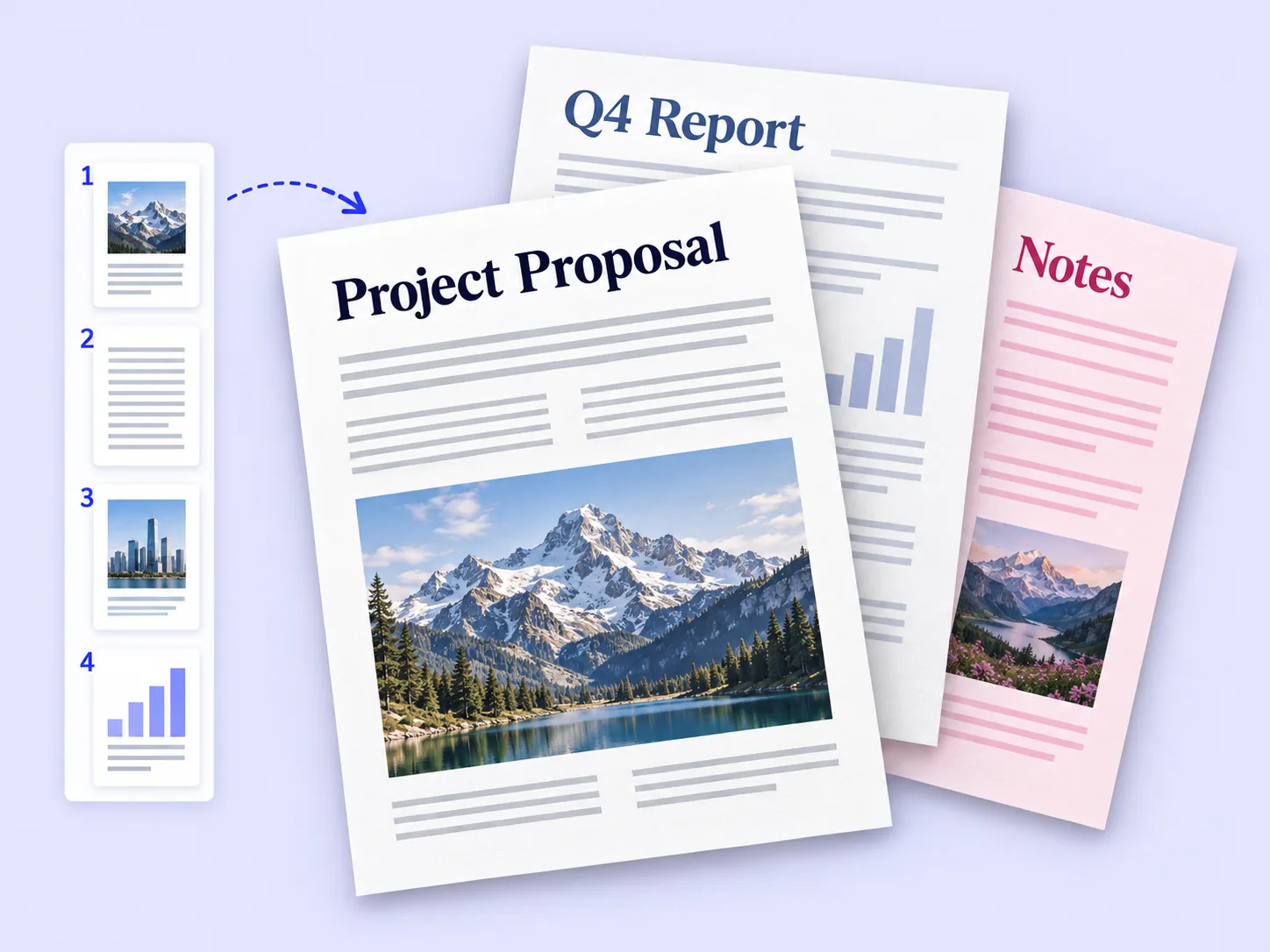
What is inside a PDF file
A PDF is not a picture of a page. It is a set of instructions for drawing each page, plus everything those instructions need:
- Text stored as real characters, with the fonts embedded so the letters look right everywhere.
- Images such as photos and logos, at their own resolution.
- Vector graphics for lines, shapes and charts, which stay sharp at any zoom.
- Page sizes, measured in points (72 to the inch), so an A4 page stays A4.
- Extras that some PDFs have: links, bookmarks, form fields, comments, layers, attachments and a password.
- Metadata such as the title, author and the app that created it.
Because the text is real, you can search a typical PDF, copy from it and have a screen reader read it aloud. A scanned PDF is the exception: its pages are photos, and text-based vs image-only PDFs explains how to tell the difference.
Why PDFs are used everywhere
| Need | Why PDF suits it |
|---|---|
| Sending a finished document | It looks the same on the recipient's phone, laptop and printer |
| Printing | Page size and layout are fixed, so nothing reflows |
| Forms | Fields can be filled in without editing the layout |
| Archiving | The ISO standard and the PDF/A archival variant are designed for long-term storage |
| Sharing securely | A password can be required to open the file |
The trade-off is that PDFs are not designed for editing. A Word document reflows when you add a sentence; a PDF does not. That is why the usual workflow is to edit in the original app and export a new PDF, and to use PDF tools for page-level jobs.
How to open a PDF
- In a web browser. Chrome, Edge, Safari and Firefox open PDFs directly; drag the file onto a browser window.
- On a Mac. Double-click to open it in Preview.
- On Windows. Microsoft Edge has a built-in PDF reader for files on your computer and on the web.
- On a phone. iPhone opens PDFs in Files or Books; on Android, Google Drive or another PDF viewer app opens them.
- Adobe Acrobat Reader is a free desktop and mobile app for reading, commenting and filling forms.
What you can do with a PDF in Deckle
Deckle works on the pages of a PDF in your browser. Each tool creates a new file and leaves the original as it was.
- Open a tool, such as Organize PDF pages, and choose your PDF, or drop it onto the page.
- Make your changes: drag pages into a new order, delete pages or rotate them.
- Choose the action button, such as Save pages.
- Download the new PDF and check it.
Other common page jobs:
- Combine several PDFs with Merge PDFs, or split one into parts with Split PDF.
- Turn photos into a PDF with JPG to PDF, or pages into images with PDF to JPG.
- Add or remove a password with Password protect PDF and Unlock PDF.
- Copy all the text with PDF to text.
Example: a landlord emails a 14-page tenancy agreement and asks you to send back only the signed pages 1, 13 and 14. Open the PDF in Organize PDF pages, remove pages 2 to 12, choose Save pages, and download a new 3-page PDF to sign and return.
Tips
- Keep the original file. Make changes to copies, so you can always start again.
- Name PDFs clearly.
tenancy-agreement-signed.pdfis easier to find thanscan0042.pdf. - Check the page size before printing. A4 and US Letter differ; see PDF page sizes.
- Export from the source app for big text changes. Edit in Word or your design app, then save a new PDF.
Frequently asked questions
What does PDF stand for?
Portable Document Format. "Portable" means it looks the same on any device.
Is a PDF the same as a Word document?
No. A Word document is for editing and reflows as you type. A PDF fixes the layout for reading, printing and sharing.
Can I edit a PDF?
You can change its pages: reorder, delete, rotate, split and merge them. Rewriting text is best done in the app that made the document.
Is PDF free to use?
Yes. The format is an open ISO standard, and free readers are built into browsers and operating systems.
Related tools
- Organize PDF pages to reorder, delete and rotate pages
- Merge PDFs to combine several PDFs into one
- PDF to text to copy the text out of a PDF