The Deckle field guide
Make the right change.
Know what to check.
Practical PDF guides, from putting pages in order to checking the copy you share.
PDF tools: choose the right tool for the job
Find the right PDF tool for your task: merge, split, reorder, rotate, convert to images, extract text, add passwords or remove metadata in your browser.
12 guides
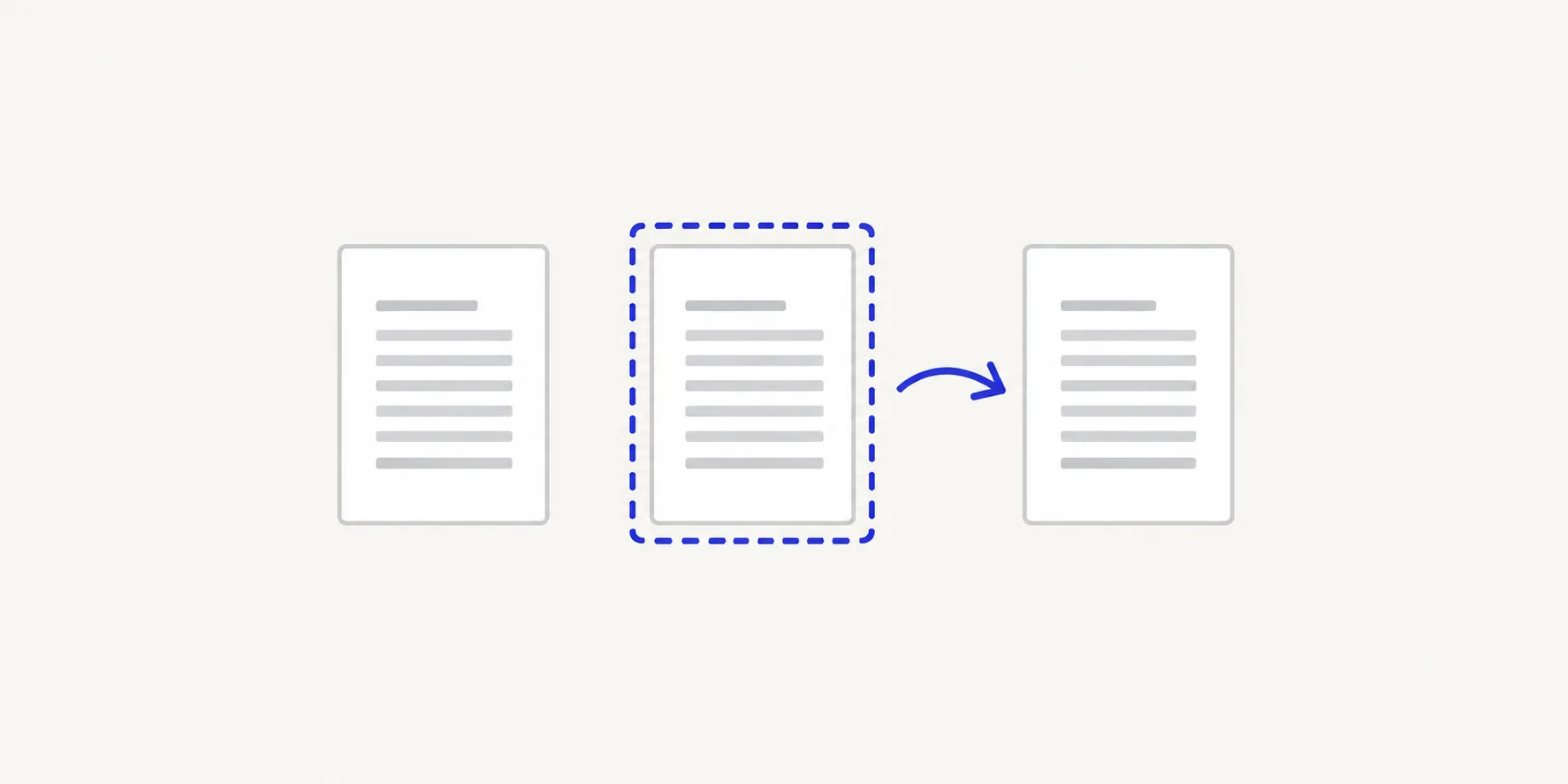
Organise PDF pages: merge, split, reorder and rotate
Find the right guide to merge, split, reorder, rotate, duplicate or delete PDF pages, with step-by-step help and fixes for common page problems.
37 guides
Images to PDF: convert JPG, PNG, HEIC and TIFF files
Turn JPG, PNG, HEIC and TIFF images into a PDF with one page per image. Find the right tool for each format, page size and page order.
24 guides
PDF to image: convert PDF pages to JPG or PNG
Convert PDF pages to JPG or PNG images in your browser. Choose the format, resolution and pages, and find the guide for your exact task.
19 guides
Extract text from PDFs: copy, export and fix the output
Get text out of a PDF as a TXT file or by copy and paste, choose pages and page breaks, and fix empty, garbled or jumbled output.
16 guides
PDF passwords: protect, unlock and change a PDF password
Add an AES-256 password to a PDF, remove one you know, change it or fix a rejected password. Guides for every PDF password task in Deckle.
11 guides
PDF metadata: view and remove what a PDF says about itself
What PDF metadata holds, from author and dates to XMP and attachments, and how to view and remove it in your browser before you share a file.
11 guides
Image formats for PDF: JPG, PNG, TIFF and HEIC compared
Compare JPG, PNG, TIFF and HEIC for PDF pages: compression, transparency, multi-page files and what each format becomes inside a Deckle PDF.
8 guides
PDF privacy: work on PDFs without uploading them
How Deckle processes PDFs in your browser without uploading them, what that covers, and how to check a file and a service before you share.
11 guides
Sharing PDFs: prepare, trim and check a file before you send it
A checklist for sending a PDF: keep only the pages needed, fix order, remove hidden properties, add a password and check the exact file you send.
4 guides
PDF security: passwords, metadata, redaction and signatures
How to secure a PDF for the risk you face: passwords to keep strangers out, metadata removal, redaction for page content and digital signatures.
6 guides
PDF tasks on Mac, Windows, iPhone, Android and Chromebook
Merge, split, rotate and convert PDFs in the browser on any device, with each platform's own built-in method alongside. Pick your device and task.
43 guides
Everyday PDF tasks: applications, statements and forms
Step-by-step guides for everyday PDF jobs: application packs, bank statements, tax papers, invoices, ID copies, homework and online form uploads.
10 guides