33 PDF tools
Find a tool for
your PDF.
Merge, split, compress, convert, sign and protect. Every tool runs in your browser.
Browse tools
Find a PDF tool
Explore the tools
33 tools
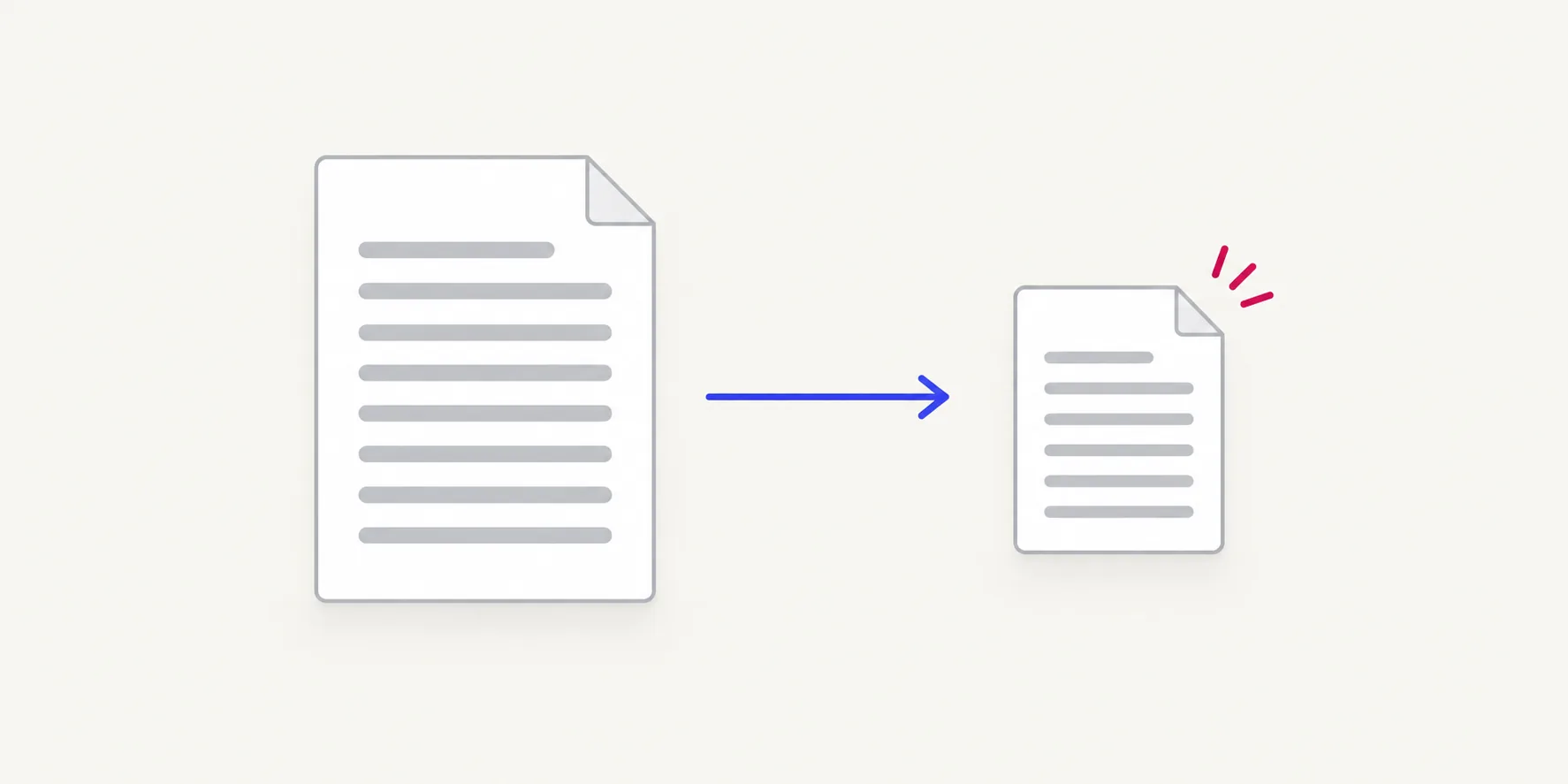
Compress PDFBeta
Make a PDF smaller by re-encoding images.
Open tool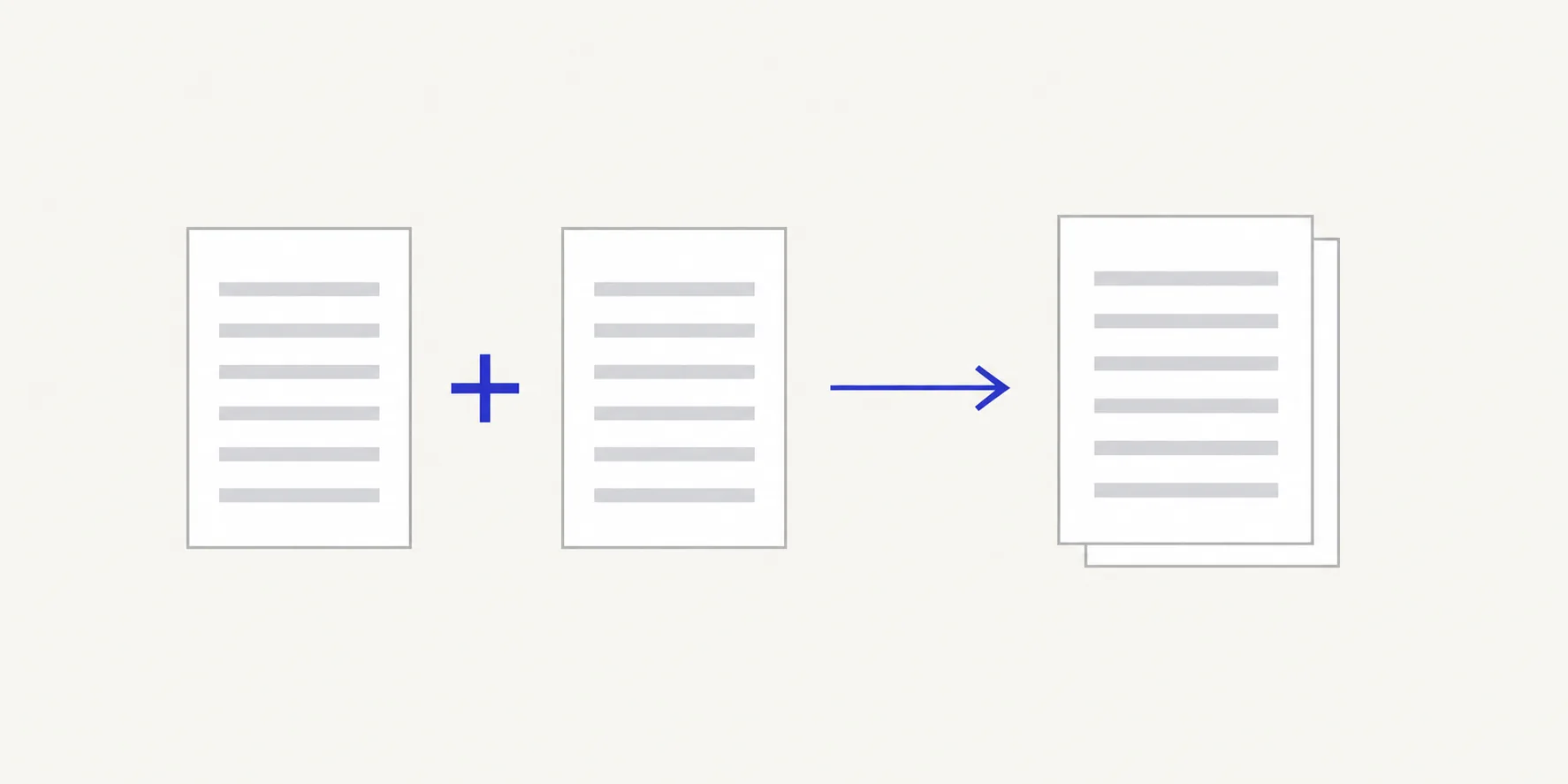
Merge PDF
Combine PDFs into one, in your order.
Open tool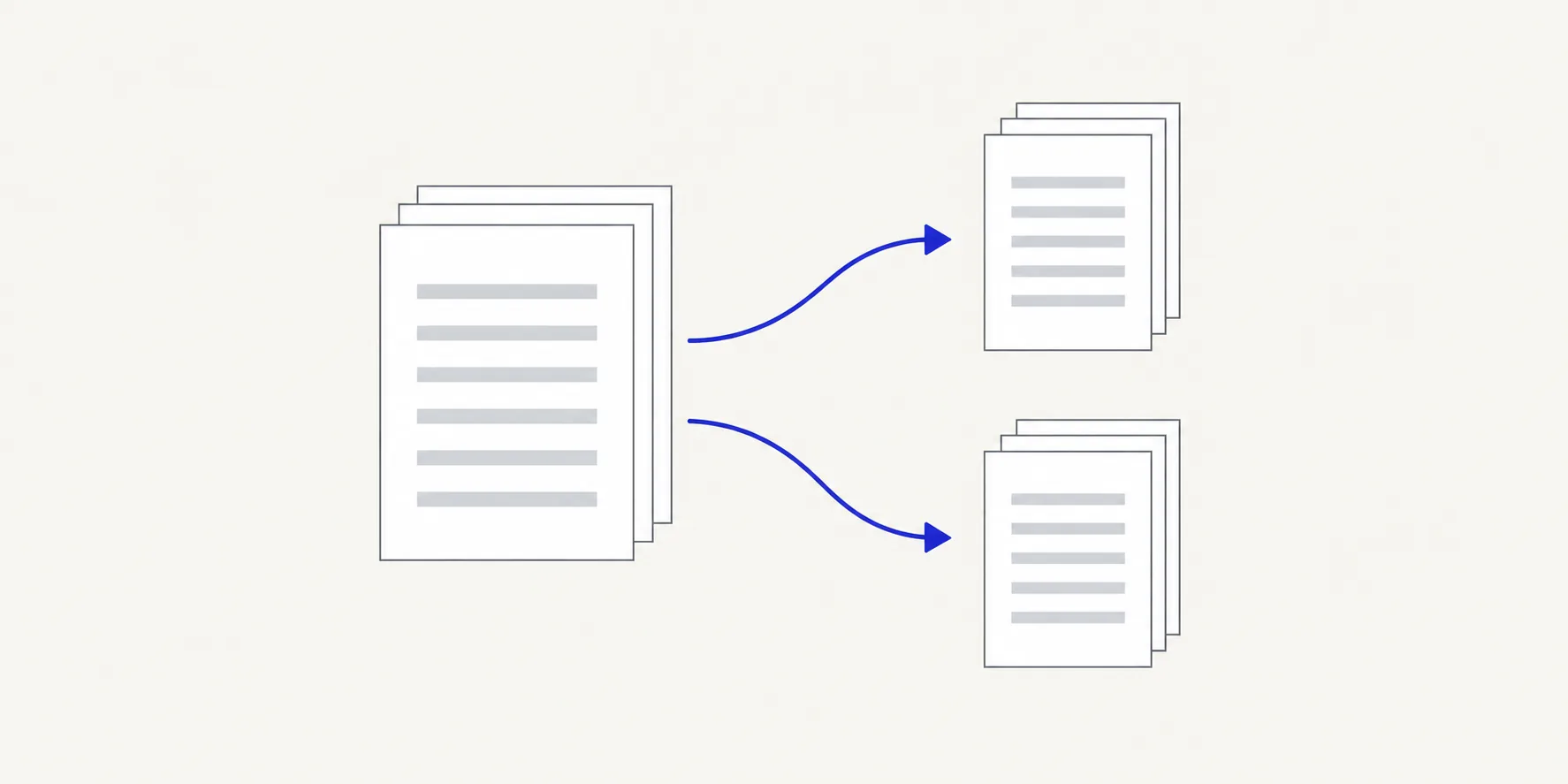
Split PDF
Split one PDF into parts by range or page count.
Open tool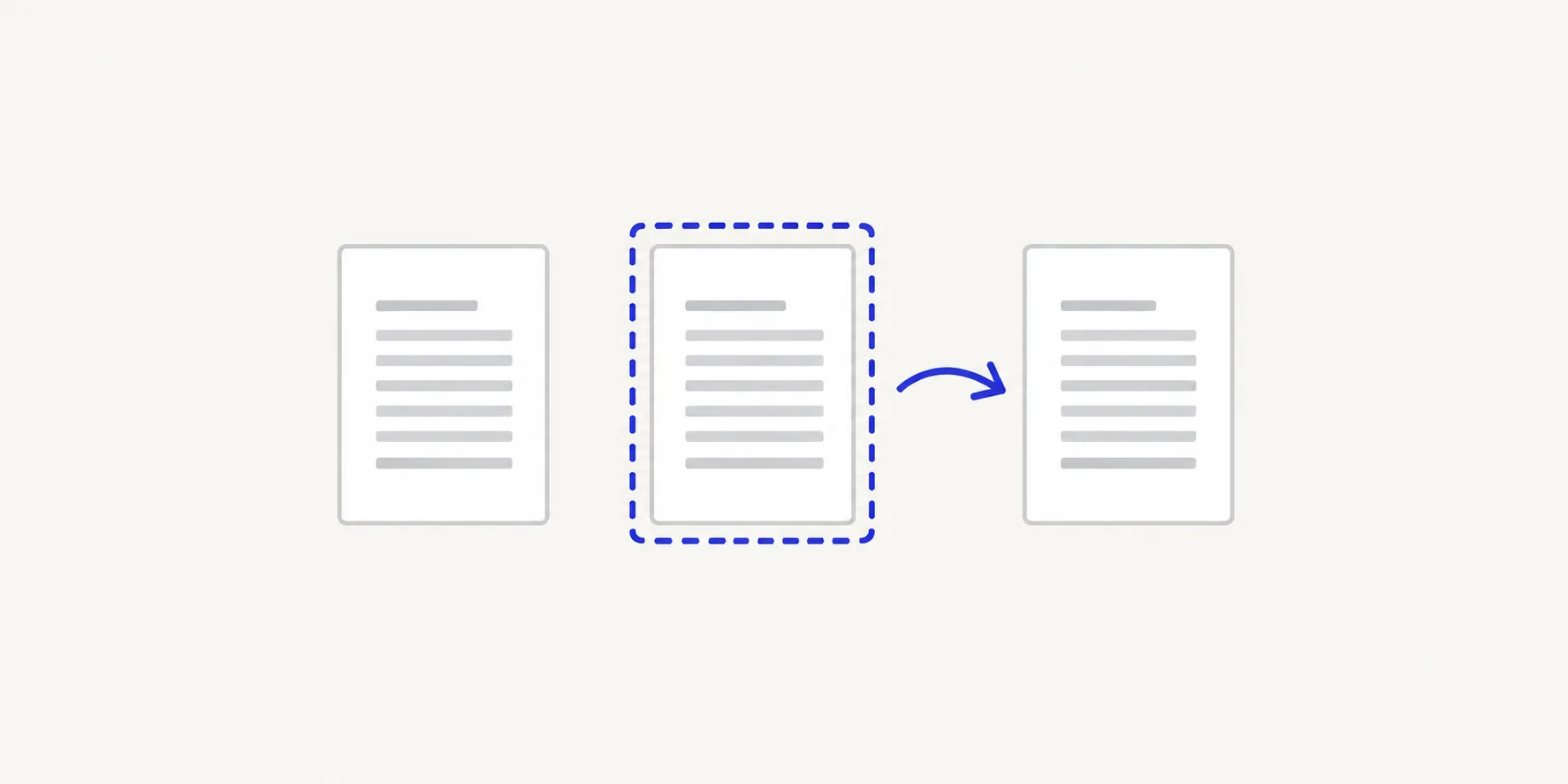
Organize PDF
Reorder, duplicate, turn or delete pages.
Open toolRemove Blank PagesBeta
Find and delete empty pages.
Open toolFlatten PDFBeta
Turn form fields into fixed page content.
Open toolFill PDF FormsBeta
Type into PDF form fields and save them.
Open tool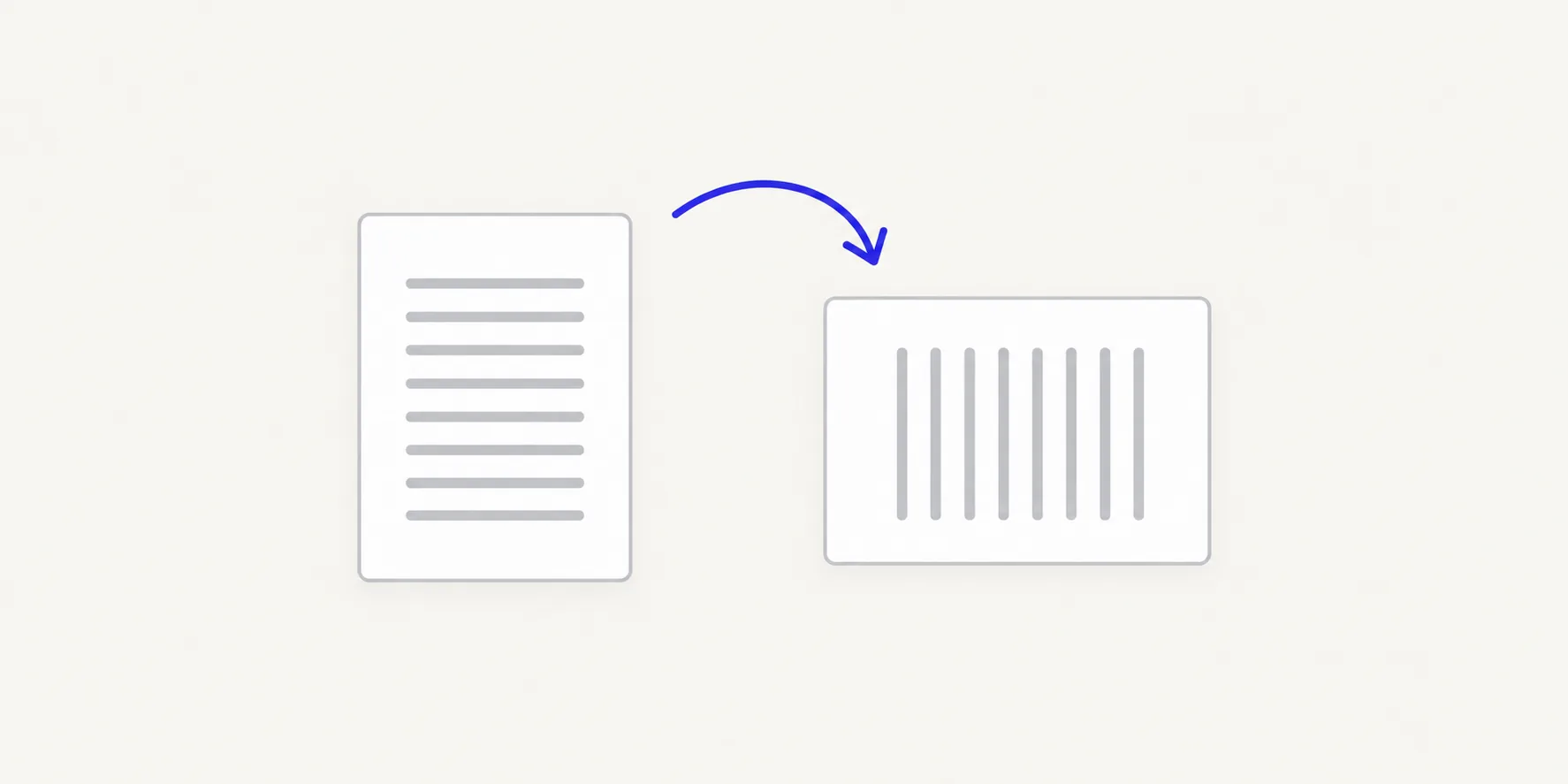
Rotate PDF
Turn one page or every page by 90°.
Open toolResize PDFBeta
Fit pages to A4, Letter or a custom size.
Open tool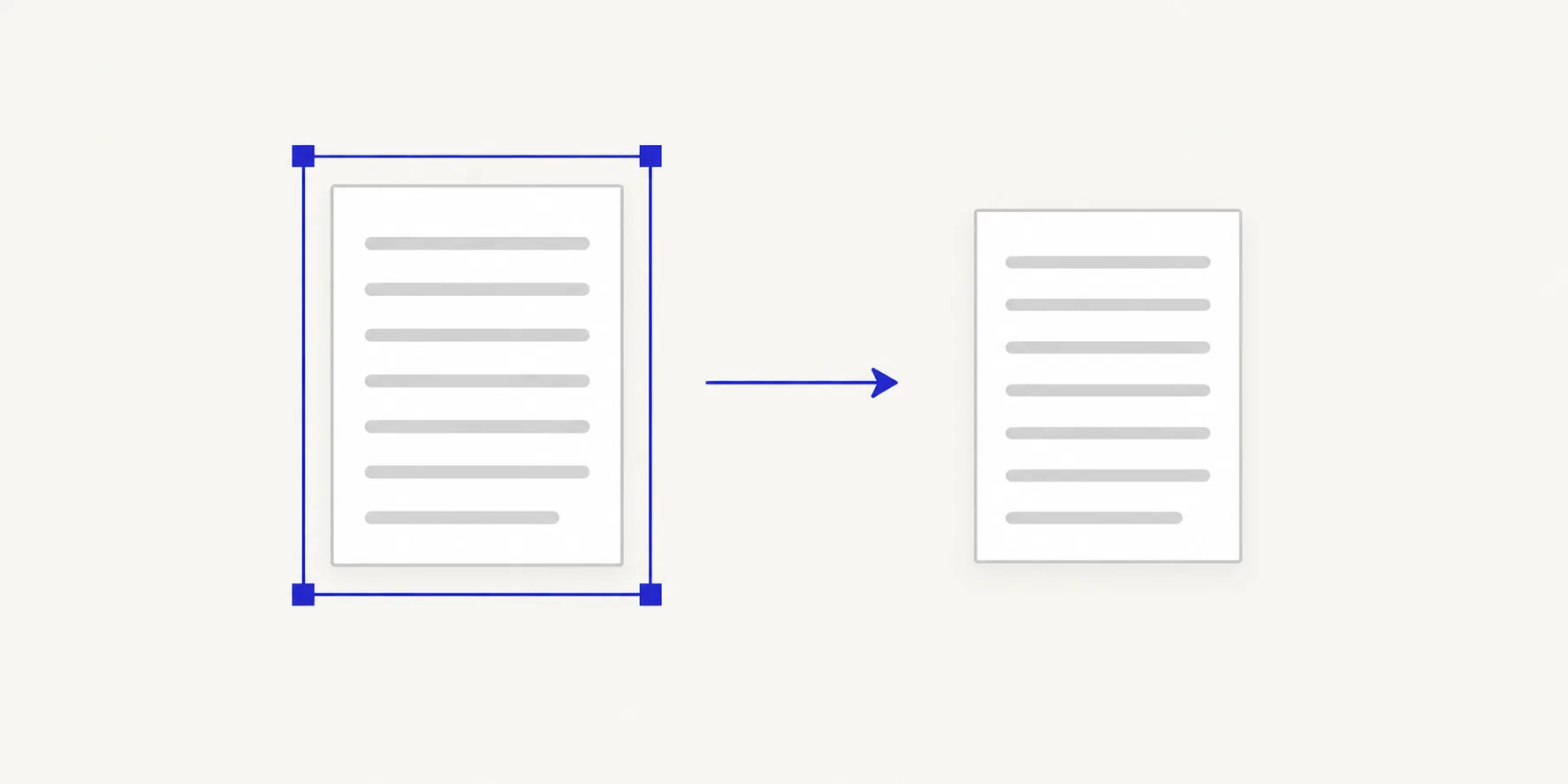
Crop PDFBeta
Trim page margins.
Open toolPage NumbersBeta
Add page numbers to a PDF.
Open toolBatch Bates NumberingBeta
Number pages across up to 20 PDFs in one sequence.
Open toolWatermark PDFBeta
Stamp a text watermark on pages.
Open toolImage Watermark PDFBeta
Stamp a logo or image on pages.
Open toolSignature ImageBeta
Place a picture of your signature on a page.
Open toolN-up PDFBeta
Print 2 or 4 pages on one sheet.
Open toolBooklet PDFBeta
Arrange pages for booklet printing.
Open toolJPG → PDF
Turn JPG photos into a PDF.
Open toolPNG → PDF
Turn PNG images into a PDF.
Open toolHEIC → PDF
Turn iPhone HEIC photos into a PDF.
Open toolTIFF → PDF
Turn TIFF scans into a PDF.
Open toolPDF → JPG
Save PDF pages as JPG images.
Open toolPDF → PNG
Save PDF pages as PNG images.
Open toolRemove PDF Metadata
Remove author, title and other hidden properties.
Open toolPassword Protect PDF
Lock a PDF with a password.
Open toolUnlock PDF
Remove a password you know.
Open toolRedact PDFBeta
Black out private details for good.
Open toolMake PDF SearchableBeta
Add searchable text to scanned pages (OCR).
Open toolPDF → Text
Copy the text out of a PDF.
Open toolPDF → MarkdownBeta
Export PDF text as a Markdown file.
Open toolPDF → CsvBeta
Export a table from a PDF page as CSV.
Open toolExtract Images From PDFBeta
Save the original JPEG images from a PDF.
Open toolCompare PDFBeta
See what changed between two PDFs.
Open toolWhich tool do I need?
- Organise
- Change which pages are in a PDF and in what order. Merge files, split one into parts, reorder, rotate, crop or resize pages, delete blank pages, or lay pages out for printing.
- Optimise
- Make a PDF easier to send or search. Compress re-encodes images to cut file size. Make PDF searchable runs OCR on scans so you can find and copy their text.
- Convert to PDF
- Turn photos and scans into a PDF, one image per page. JPG, PNG, iPhone HEIC photos and multi-page TIFF scans are supported.
- Convert from PDF
- Get content out of a PDF: pages as JPG or PNG images, the text as plain text or Markdown, a table as CSV, or the original JPEG images inside it.
- Edit and sign
- Add to the pages without retyping them: page numbers, Bates numbers, text or image watermarks and a picture of your signature. Fill in or flatten forms, or compare two versions.
- Security
- Control who can open a PDF and what it reveals. Add or remove a password, black out private details for good, or strip author names and other hidden properties.
Use several tools on one file
When a tool finishes, pick another and keep working on the result. Merge, then compress, then add a password, without downloading and re-adding the file between steps.
What Beta means
A Beta tool works but supports a narrower range of files. Its page lists the limits. Check the result before you rely on it.