PDF workflows
What changes when a PDF page becomes an image
By DeckleUpdated
When a PDF page becomes an image, everything on it is turned into a grid of coloured pixels. The page looks the same, but the text can no longer be selected, searched or read aloud, and links, form fields and bookmarks stop working. PDF to JPG and PDF to PNG do this to make pictures of pages; your PDF itself stays exactly as it was.
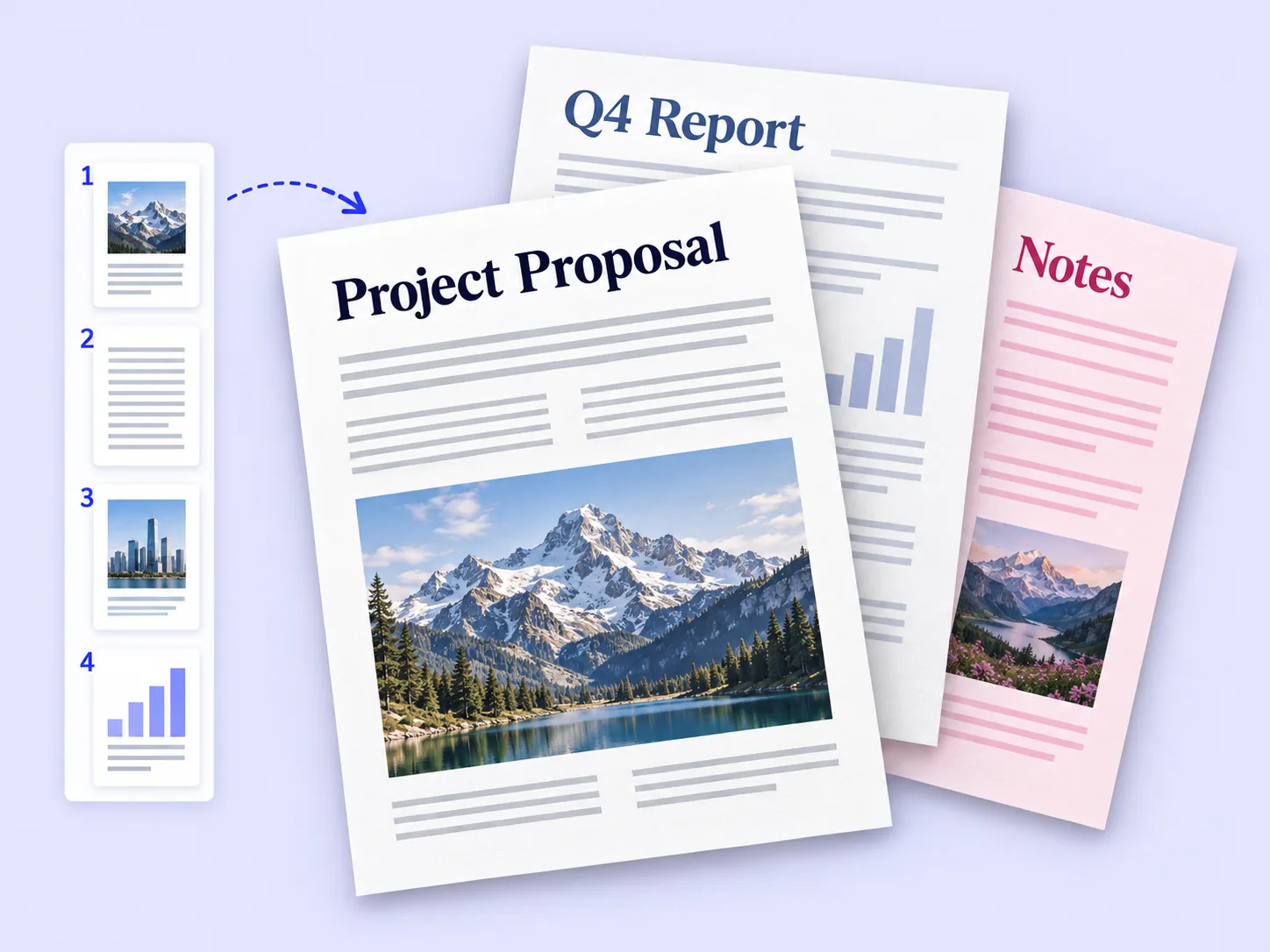
What a PDF page holds, and what an image holds
A PDF page is a set of instructions: draw this text in this font at this position, draw this line, place this photo. An image is the result of following those instructions once, at one size.
| Feature | In the PDF page | In the exported image |
|---|---|---|
| Text | Real characters you can select, search and copy | Pixels shaped like letters |
| Sharpness when zoomed | Text and lines stay sharp at any zoom | Fixed by the export resolution |
| Links | Clickable | Not clickable |
| Form fields | Fillable | Pictures of boxes |
| Bookmarks and outline | Present | Gone |
| Screen reader access | Text can be read aloud | Nothing to read |
| Layers | Can be shown or hidden | Flattened into one picture |
| Page size | Stored in points or inches | Stored in pixels |
| Photos inside the page | Kept at their own resolution | Redrawn at the export resolution |
The process is called rasterising: turning shapes and text into a raster, which is the grid of pixels.
Why turn pages into images at all
Images are the right choice when the destination only takes pictures, or when the page needs to look identical everywhere:
- uploading to a form that accepts JPG only
- putting a page on a slide, a web page or a social post
- sending a preview in a chat app that shows images inline
- printing through a service that wants image files
In all of these, keep the PDF as well. The image is a copy for one purpose; the PDF stays the version you can search, edit and send in full.
How to export a page and keep the PDF intact
- Open PDF to PNG for text and diagrams, or PDF to JPG for photos and scans, and choose your PDF.
- Choose a Resolution: Screen (72 DPI), Standard (150 DPI) or Print (300 DPI).
- Keep All pages, or choose Choose pages and type the pages you need.
- Choose Export images and download the images.
- Keep the original PDF next to them.
The reminder under the options says it plainly: pages become images with no selectable text, on a white background.
Resolution is decided at export
A PDF has no fixed resolution for its text, which is why zooming a PDF keeps words sharp. An image does. At Standard, an A4 page is about 1240 × 1754 pixels; zoom in further and the letters show their pixels. Choose the resolution for where the image will be used. Calculating pixel sizes from DPI has a table for common page sizes.
Going back from image to PDF
Putting an image back into a PDF with JPG to PDF gives a PDF whose pages are pictures. It looks like the original, but it is an image-only PDF: no selectable text, no fields, no links. Text-based vs image-only PDFs explains how to tell them apart, and why a form stops being fillable covers the most common surprise.
Example: a 16-page price list is exported to JPG and rebuilt as a PDF to "lock" it. The new file is several times larger, customers cannot search it for a product code, and the links to the online shop no longer work. Sending the original PDF would have kept all three.
Tips
- Export only what needs to be an image. One slide or one upload rarely needs the whole document.
- Keep the PDF as the master. Make images from it again whenever you need a new size.
- Use PNG for text. It keeps letter edges cleaner than JPG.
- Add alt text when publishing. An image of a page needs a written description for people using screen readers.
Frequently asked questions
Does converting a PDF to images change the PDF?
No. Deckle creates new image files and leaves the PDF unchanged.
Can I select text in a JPG made from a PDF?
No. The text is part of the picture. Use PDF to text to get the words.
Is an image of a PDF page more secure?
No. Anyone can edit an image in a photo editor. It only removes the selectable text and fields.
Why is my image PDF bigger than the original?
Pictures of pages take more space than text instructions. A text page can grow many times over.
Related tools
- PDF to PNG to export sharp images of text pages
- PDF to JPG to export compact images of photo pages
- PDF to text to get the words instead of a picture of them