Organise pages
Why a PDF split gave the wrong number of files
By DeckleUpdated
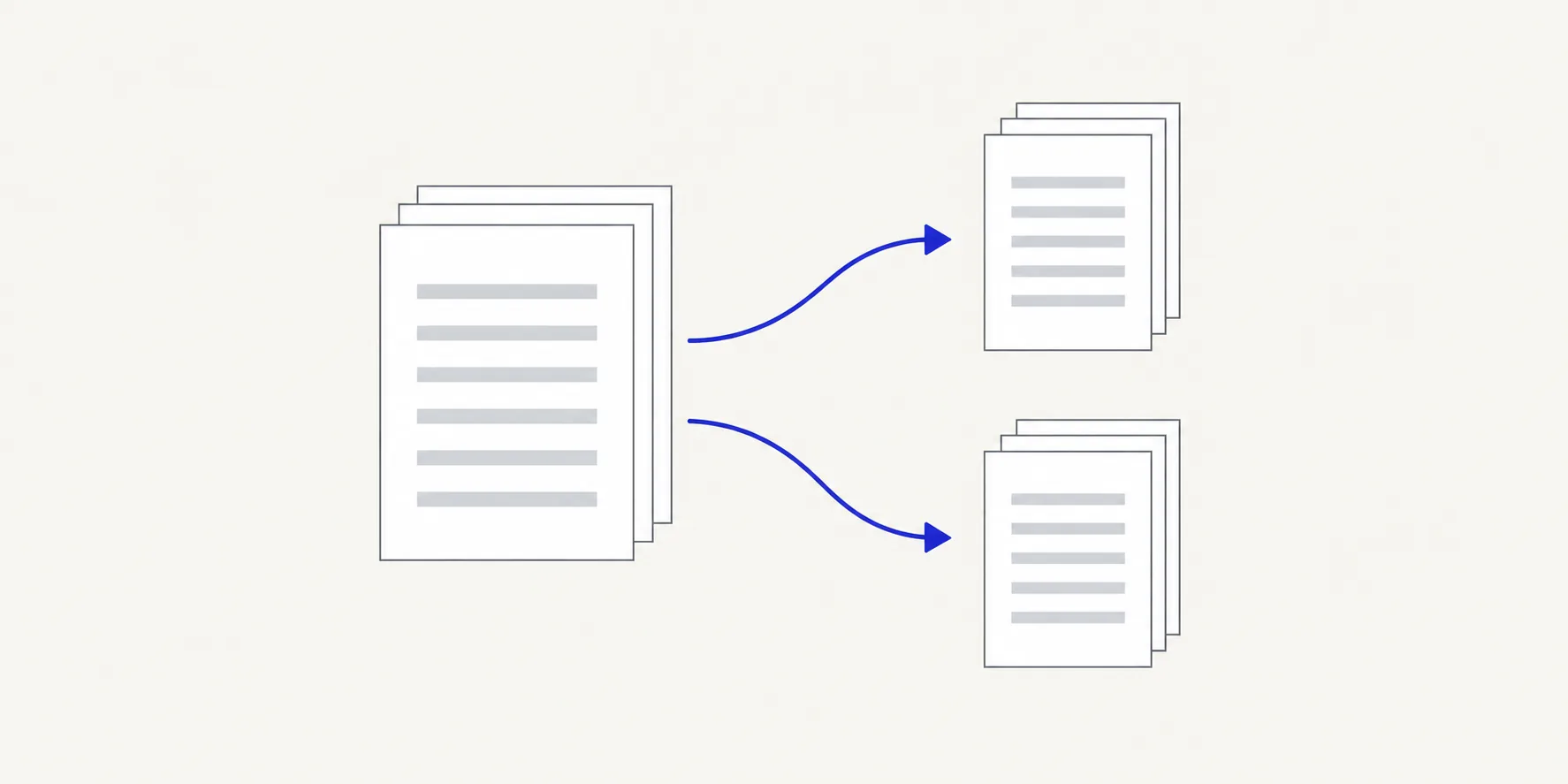
When a PDF split gives you the wrong number of files, the split mode didn't match the result you wanted. In Split PDF, Page ranges I choose makes one file per range, One file per page makes one file per page, Fixed-size chunks makes files of a set length and Choose split points makes one file per section between your cuts. Pick the mode from the files you want to end up with, check the Planned files list, then create them again from the original PDF.
How to get the files you expected
- Decide what you want to receive: how many files, and which pages in each.
- Open Split PDF and choose the original PDF, or drop it onto the page.
- Under How to split it, choose the mode from the table below.
- Set the mode's values: split points, Pages per file or From page and To page for each range.
- Read the Planned files list. It shows every file that will be made, with its source pages and page count.
- Check the number on the action button. Create 4 PDFs means four files.
- Create the files and download them.
The result screen repeats the count, for example "4 PDFs made from 24 pages", so you can confirm it matches your plan.
Match the mode to the result
| You want | Mode | Example with a 24-page PDF |
|---|---|---|
| Sections you name | Page ranges I choose | Ranges 1–4, 5–18, 19–24 give 3 files |
| One file for every page | One file per page | 24 files of one page each |
| Files of equal length | Fixed-size chunks | Pages per file 6 gives 4 files |
| Breaks you can see | Choose split points | Cuts after pages 4 and 18 give 3 files |
The tool opens on Choose split points with a split already set after page 3, so before you change anything the button reads Create 2 PDFs. If you remove every split, the button is disabled and says "Add a split point between pages to create separate files." Switching modes keeps the values you set in each one, so check that the mode selected is the one you meant before you create the files.
Common mismatches
You got one file but wanted several
You used Page ranges I choose with a single range. One range always makes one file. Add a range for each file you want with Add range, or switch to Choose split points and cut the document where each section starts.
You got many files but wanted one
You wanted pages 2, 7 and 9 together and entered three ranges. Each range is a separate file, so you received three one-page PDFs. To keep scattered pages in one file, open Organize PDF pages, remove the pages you don't want and choose Save pages. Or keep your three files and join them with Merge PDFs. How to extract pages from a PDF covers both.
You got two files from a plan you didn't touch
The split that Choose split points starts with, after page 3, was still set. Click its scissors to remove it, or switch to the mode you meant, before you create the files.
You got a file for every page
One file per page was selected. It ignores any ranges you typed earlier. Switch to Page ranges I choose or Fixed-size chunks and check the plan again.
The last file is shorter than the others
That is how Fixed-size chunks works when the page count doesn't divide evenly. A 25-page PDF with Pages per file set to 6 gives four files of 6 pages and a fifth with 1. How to split a PDF every few pages explains how to choose the size.
You expected one combined download
When a split makes several files, the result screen offers Download all 4 as a zip. The ZIP holds separate PDFs; it doesn't join them. Select one file and choose Download selected PDF if you only need that part.
Tips
- Count the files before you create them. The number on the action button is the number of files you'll get.
- Read the notes under the plan. Deckle lists pages that no range covers and says when overlapping ranges repeat a page.
- Start again from the original. Deckle doesn't change the source, so open it again rather than splitting a split file.
- Undo a mode change. Undo steps back through your changes, including switching modes, and Reset split options clears everything.
Frequently asked questions
Why did Split PDF give me a ZIP?
Several files were created, and the ZIP is the way to download them together. You can also download each file on its own from the result screen.
Can Split PDF put selected pages into one file?
Only if they are next to each other: one range, such as 5–9, makes one file. For pages spread through the document, use Organize PDF pages to remove the rest.
Why does a page appear in two files?
Two ranges include it. That is allowed on purpose, for pages that two readers both need. Change the ranges so they meet without overlapping, such as 1–5 and 6–10.
Related tools
- Split PDF to choose a mode and split again
- Organize PDF pages to keep scattered pages in one file
- Merge PDFs to join split files back together