Organise pages
Why PDF bookmarks disappear after merging or splitting
By DeckleUpdated
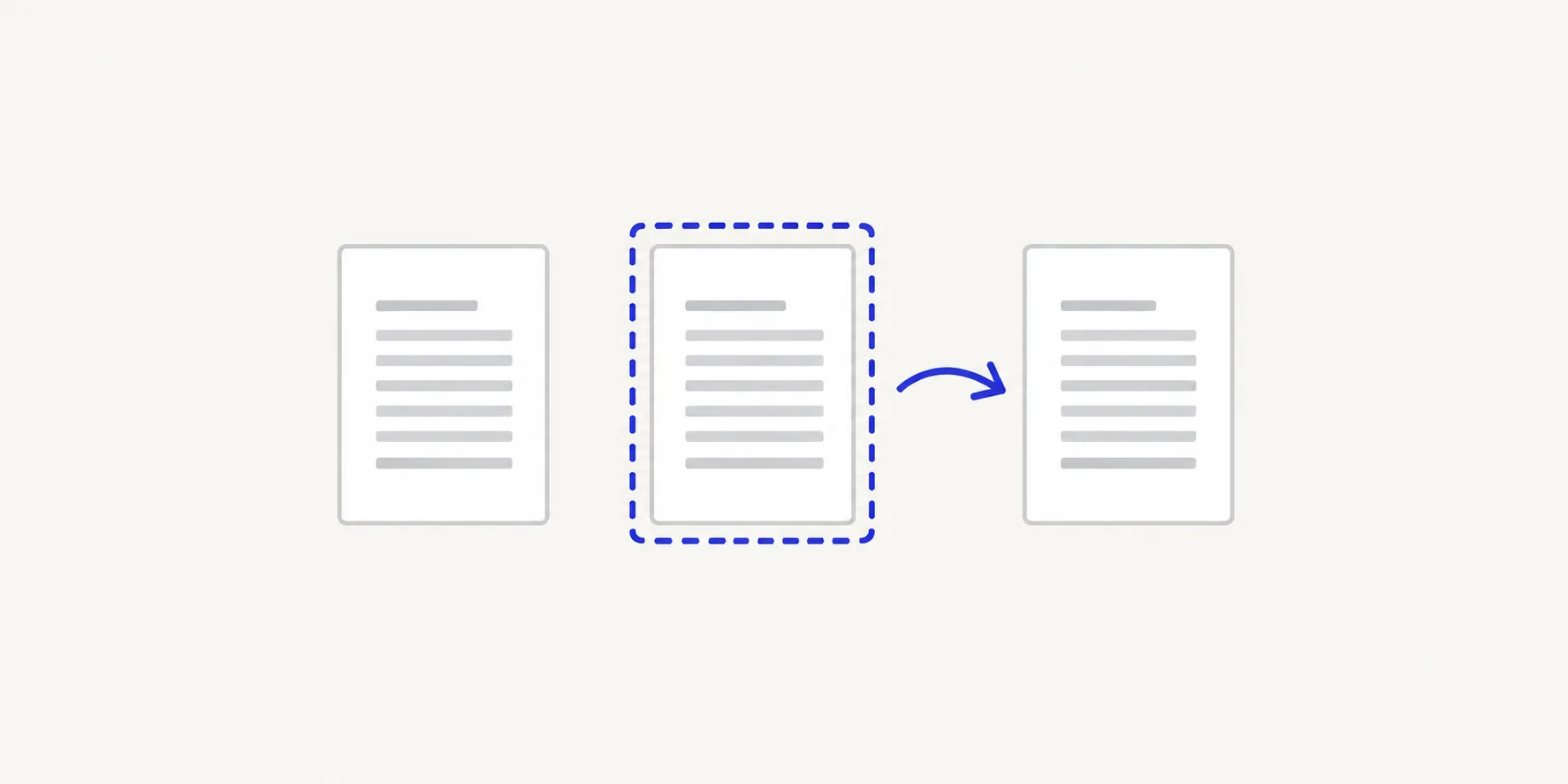
PDF bookmarks disappear after you merge, split or reorder pages because the new file is built from copies of the pages, and the bookmark list belongs to the whole document rather than to any page. Merge PDFs, Split PDF and Organize PDF pages all work this way, so the file they make has no bookmarks from the source. Deckle warns you before the run when a source has bookmarks, and your original keeps them. If the reader needs bookmarks, rebuild them in a PDF editor after your page changes.
How to handle bookmarks when you change pages
- Open the source PDF in a reader with a bookmarks panel and note the bookmarks that matter, with the page each one opens. For example: "Introduction → page 3; Results → page 11; Appendix → page 24."
- Open the Deckle tool you need and choose your PDF, or drop it onto the page.
- Make your changes. If the source has bookmarks, Merge PDFs and Split PDF show "Bookmarks may change or become invalid." before the run. Choose Acknowledge and continue to go ahead, or Back to editing to stop. Organize PDF pages shows the same notice as a warning and does not stop the run.
- Choose the action, such as Merge PDFs, Create 3 PDFs or Save pages, and download the result.
- Open the result in your reader. The bookmarks panel will be empty.
- If bookmarks are needed, add them again in a PDF editor, using your list and the new page positions.
Which tools keep bookmarks
| Tool | Bookmarks in the new file |
|---|---|
| Merge PDFs | Not carried over from any source file |
| Split PDF | Not carried over into any of the parts |
| Organize PDF pages | Not carried over, even if you only removed one page |
| Rotate PDF | Kept, because the pages stay in the same positions |
The page content itself is unaffected. Text, images and page sizes come across exactly as they were; only the document-level outline is left behind.
Work out the new page positions
Bookmarks point to page positions, so rebuilding them means mapping old positions to new ones. Do the arithmetic once and write it beside your bookmark list.
- After a merge, add the page counts of the files before each source. If a 4-page cover letter comes first, page 1 of the report becomes page 5 of the packet.
- After a split, subtract the first page of the range minus one. In a part made from pages 19–24, old page 21 becomes page 3.
- After removing pages, every page after a removed one moves up by one for each removal before it.
Example: a 30-page manual has bookmarks for "Setup" (page 4) and "Troubleshooting" (page 22). You remove pages 2 and 3 in Organize PDF pages. "Setup" is now page 2 and "Troubleshooting" is page 20.
Printed page numbers in footers don't change with any of these tools, so use positions in the file, not the printed numbers, when you add bookmarks back. PDF page position versus printed number explains the difference.
Links inside the pages
Clickable links drawn on a page, such as a contents page that jumps to chapter 3, are part of that page. They are copied with it, but a link that pointed to a page you removed, or to a page now in another file after a split, no longer has anywhere sensible to go. Click through a contents page in the result before you send it.
Tips
- Make your page changes first, then add bookmarks once. Rebuilding after every change wastes time.
- Keep the original. Deckle never changes the source, so its bookmarks stay available as a reference.
- Rotate with Rotate PDF if that is all you need. It keeps the bookmarks; Organize PDF pages does not. See how to rotate a PDF permanently.
- Skip the bookmarks for short files. A 6-page extract rarely needs them; a 200-page manual does.
Other ways to keep bookmarks
- Adobe Acrobat. The paid desktop app has a bookmarks panel for adding and editing bookmarks by hand once the pages are final.
- Rebuild them from your list. Any PDF editor with a bookmarks panel can add them back once the pages are final; the list from step 1 and the new positions make it a few minutes' work.
Frequently asked questions
Why did my bookmarks disappear after merging PDFs?
Merge PDFs copies the pages of each file into a new document and does not copy the bookmark list. Add bookmarks to the merged file in a PDF editor if you need them.
Does Deckle warn me before it drops bookmarks?
Yes. When a source PDF has bookmarks, the tool says "Bookmarks may change or become invalid." before the run, and Merge PDFs and Split PDF ask you to acknowledge it.
Does the original PDF lose its bookmarks?
No. Every Deckle tool makes a new file and leaves the source unchanged.
Do page numbers change too?
The positions of pages change; the numbers printed on them don't. Removing page 4 means the page printed "5" is now the fourth page of the file.
Related tools
- Merge PDFs to combine files before you add bookmarks
- Split PDF to cut a long document into parts
- Organize PDF pages to reorder or remove pages
- Rotate PDF to turn pages and keep the existing bookmarks