Organise pages
PDF page position vs printed page number: which to use
By DeckleUpdated
A PDF page's position is where it sits in the file, counting from 1 at the first page. Its printed number is whatever the document's footer or header says, which often starts later, uses Roman numerals or restarts. Deckle's page tools, including Split PDF and Organize PDF pages, always use the position. To find it, add the number of pages that come before printed page 1 to the printed number.
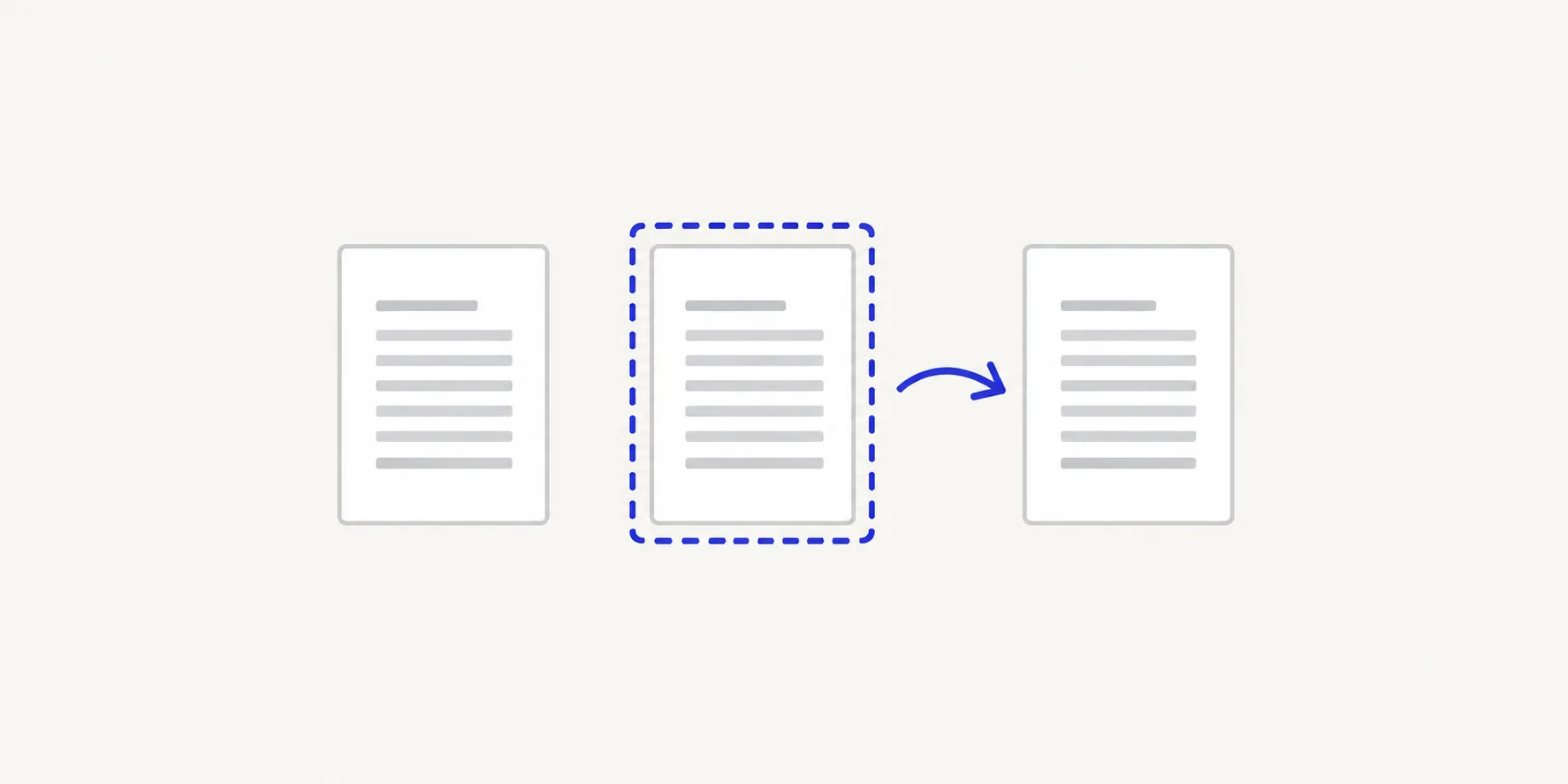
How to find a page's position
- Open the PDF in any viewer and go to the page you want.
- Read the page counter in the viewer's toolbar, such as "7 of 40". The first number is the position.
- If you only know the printed number, find printed page 1 and note its position. The difference is your offset.
- Add the offset to every printed number you need. With an offset of 5, printed pages 12–19 are positions 17–24.
- In Deckle, enter the positions in From page and To page, or count the thumbnails from the first one.
- Check the preview of the first and last page before you create or save the file.
Some viewers show the printed label in the page box when the PDF defines one, such as "iii" or "A-1". If the box shows a label and the counter shows "(6 of 40)", the number in brackets is the position.
Where the two numbers drift apart
| Document | What happens | Example |
|---|---|---|
| Report with a cover | Cover has no number | Printed 1 = position 2 |
| Book with front matter | i, ii, iii… then 1 | Five Roman pages: printed 1 = position 6 |
| Appendix numbered A-1, A-2 | Labels restart | A-1 might be position 31 |
| Merged packet | Each file starts at 1 | Two "page 3"s in one PDF |
| Double-sided scan | Blank backs are real pages | Every printed page is two positions apart |
The merged packet is the easiest to get wrong. Combine a 10-page letter and a 20-page report and the report's "page 3" is at position 13. The footers still say what they said in the original files.
Why Deckle uses positions
Printed numbers are part of each page's artwork. They aren't reliable for picking pages, because a document can repeat them, skip them or not have them at all. Positions are unique: every PDF has exactly one page 1 and one last page, whatever is printed on them.
So everywhere Deckle asks for a page, it means the position:
- Split PDF ranges, such as
17–24, and the "Pages 1–2 are left out" note. - Organize PDF pages thumbnails, which run in file order, and Move to position… in each page's ⋯ menu.
- Organize PDF pages preview, which labels the selected page with its output and source position, such as "Output page 3 · source page 5".
- File names from a split, where
report (3).pdfis the third file made, not printed page 3.
Changing pages doesn't renumber them
Moving, removing or extracting pages changes their positions but not their printed numbers. Remove page 4 from a 10-page report and the page printed "5" becomes position 4, still printed "5". Extract printed pages 12–19 and the new file has positions 1–8, still printed 12–19.
This is usually what you want: references such as "see page 14" in the text keep pointing to the page printed 14. If you need fresh numbering that matches the new positions, the numbers have to change in the source document, for example in the word processor it came from, before you export a new PDF.
Tips
- Write a short map before a big split. "Printed 1 = position 6, A-1 = position 31" saves recounting for every range.
- Trust the preview over the number. Select the page in Deckle and read it at full size before you split, remove or move it.
- Watch for blank backs in scans. A double-sided scan with empty reverses doubles the positions; remove the blanks first with how to delete pages from a PDF.
- Fix one-page errors at the source. If a split starts a page late, see why a split PDF has one page too many or too few.
Frequently asked questions
Why does my PDF viewer show a different page number from the footer?
The viewer shows the page's position in the file, or a label stored in the PDF. The footer is printed on the page. They differ whenever the document has unnumbered or Roman-numbered pages before page 1.
Does Deckle read printed page numbers?
No. Every page tool in Deckle works with positions, counted from the first page in the file.
Will splitting a PDF reset the page numbers to 1?
The positions in each new file start at 1. The printed numbers on the pages stay exactly as they were.
How do I select printed page 1 in a book with front matter?
Count the pages before it and add one. With a cover, title page and four Roman-numbered pages, printed page 1 is position 7.
Related tools
- Split PDF to split by page position
- Organize PDF pages to see every page in file order
- Rotate PDF to turn a page by its position