Organise pages
Why merged PDF pages are different sizes (and how to fix it)
By DeckleUpdated
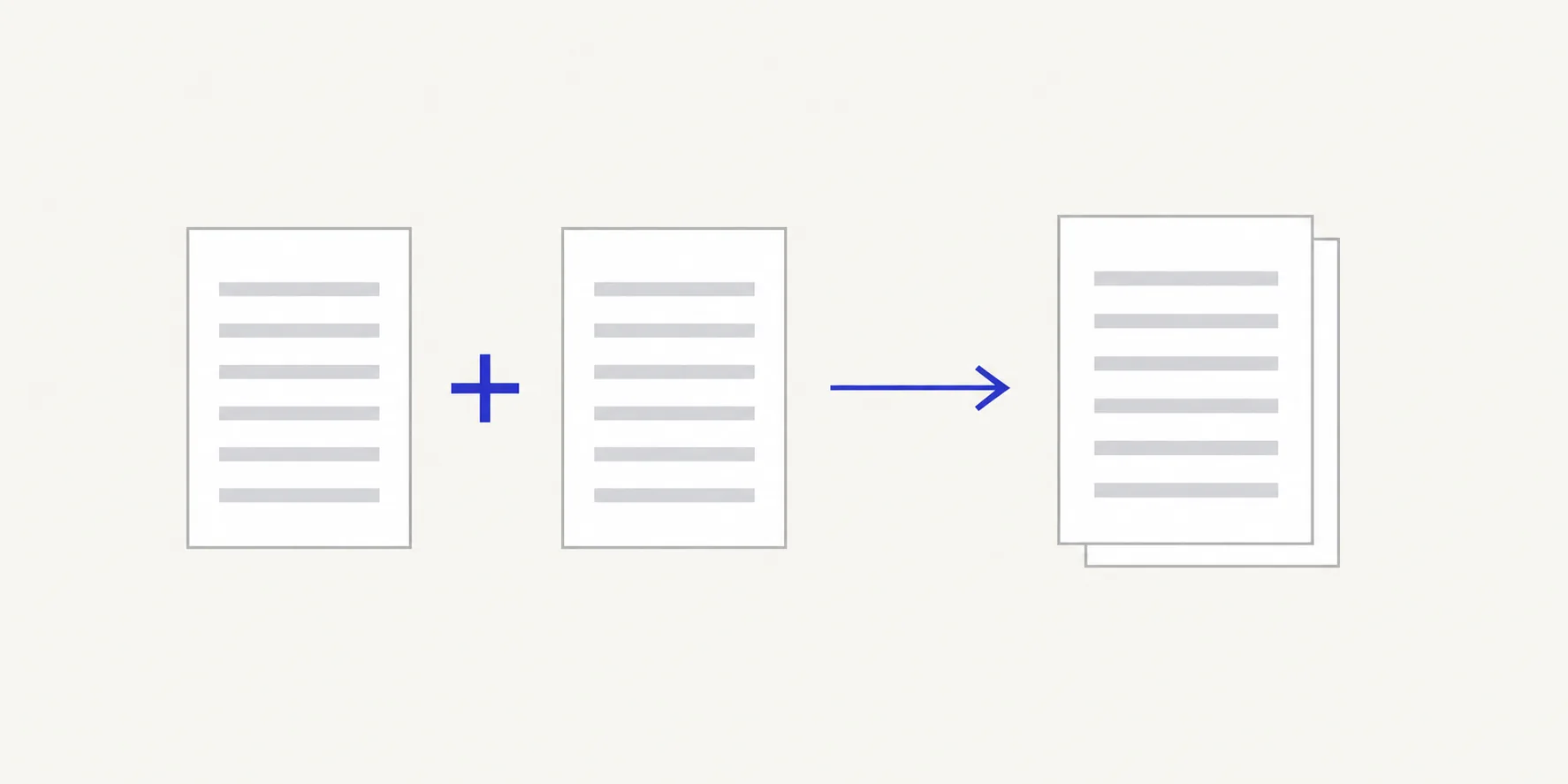
Merged PDF pages are different sizes because each page keeps the size it had in its source file. Merge PDFs copies pages as they are, so an A4 report followed by a US Letter form gives a PDF with both sizes, and a phone photo converted to PDF may be a different size again. Nothing is wrong with the file. If you need one size on paper, choose the paper size and Fit scaling when you print; if you are building the PDF from images, choose Fit inside A4 when you convert them.
How to check page sizes in a merged PDF
- Open the merged PDF in a reader that shows page size. In Adobe Acrobat or Acrobat Reader, turn on Always Show Document Page Size in the Page Display preferences, and the current page's measurements appear beside the horizontal scroll bar.
- Go to a page that looks different and note its width and height.
- Compare it with a normal page. A4 is 210 × 297 mm (8.27 × 11.69 in); US Letter is 215.9 × 279.4 mm (8.5 × 11 in).
- Note which source file each odd page came from. Pages from the same source are usually the same size.
- Decide whether the difference matters: on screen it usually doesn't; on paper or in a print shop it might.
The Merge PDFs result screen confirms how many pages were combined from how many files. The "Verified:" line beneath it records the checks that ran on the output, including that it opens and has the expected pages.
Why sizes differ
| Source | Typical page size |
|---|---|
| Documents from Europe, Asia, Australia | A4 |
| Documents from the US and Canada | US Letter or Legal |
| Phone photos converted with Match each image | The photo's proportions, often taller or wider than paper |
| Scans | Whatever the scanner was set to, sometimes slightly off A4 |
| Slides exported to PDF | Wide landscape pages |
Merging places these pages one after another without changing them. Text stays sharp and selectable because nothing is scaled or re-rendered.
Size, orientation and zoom
Three things are easy to mix up when pages look different on screen.
- Size is the page's width and height. A4 and Letter are different sizes.
- Orientation is which side is longer. An A4 page turned to landscape is still A4. Fix orientation in Rotate PDF, not by resizing.
- Zoom is how your reader shows the page. In fit-to-width view, a Letter page and an A4 page can look nearly identical; in actual-size view, the difference shows.
Example: a 20-page packet has a 16-page A4 report and a 4-page Letter appendix. In fit-to-page view the appendix looks slightly wider and shorter. The page size readout shows 210 × 297 mm for page 3 and 215.9 × 279.4 mm for page 18. Both sizes were kept, as expected.
Print mixed sizes on one paper size
Most readers fit each page to the paper you choose:
- Open the print dialog.
- Choose the paper size, for example A4.
- Choose the option that fits pages to the paper, rather than actual size.
- Check the preview of a page from each source.
Letter pages printed on A4 leave a little extra white space at the top and bottom; A4 on Letter loses a sliver of margin unless it is scaled. To print each page on paper of its own size instead, Adobe describes choosing Size under Page Sizing & Handling and ticking Choose paper source by PDF page size in printing PDFs with mixed page sizes.
Make image pages match
If the odd pages came from photos or scans, convert them again in JPG to PDF or PNG to PDF with Page size set to Fit inside A4, then merge the new file. Large images shrink to fit the page and smaller ones stay centred, so every converted page is A4.
Tips
- Ask for the right paper size at the source. If you collect forms from several countries, asking for A4 (or Letter) up front avoids mixed sizes later.
- Don't fix sizes you don't need to. An emailed PDF read on screen works fine with mixed sizes.
- Check one page from every source. Sizes usually change at file boundaries, so the first page of each file is the one to inspect.
- Keep orientation and size separate. Turning a sideways scan the right way up won't change its size. See rotate scans before merging.
Frequently asked questions
Does Merge PDFs resize pages?
No. Each page keeps its original width and height, which is why the text and images are unchanged.
Can I make every page A4 in Deckle?
For pages made from images, yes: use Fit inside A4 when you convert them. Existing PDF pages are kept at their own size; use your printer's fit option to put them on one paper size.
Why does one page look smaller when I scroll?
It is a smaller page, or a page with a different shape. Check its size with your reader's page size display.
Will a print shop accept mixed sizes?
Ask first. Many shops want every page at the final trim size and will scale or reject other pages.
Related tools
- Merge PDFs to combine files and keep each page as it is
- JPG to PDF to convert photos to A4 pages before merging
- Rotate PDF to fix orientation separately from size