Organise pages
Rotate vs crop: how to fix a sideways scanned PDF
By DeckleUpdated
A sideways scan needs rotating, not cropping. Rotating turns the page so the text reads the right way up; cropping only trims the edges of the visible page and cannot change which way it faces. To fix a sideways page, open Rotate PDF, choose This page or All pages, turn the page with Turn left or Turn right, and choose Rotate PDF. Crop afterwards only if wide scanner borders still need trimming.
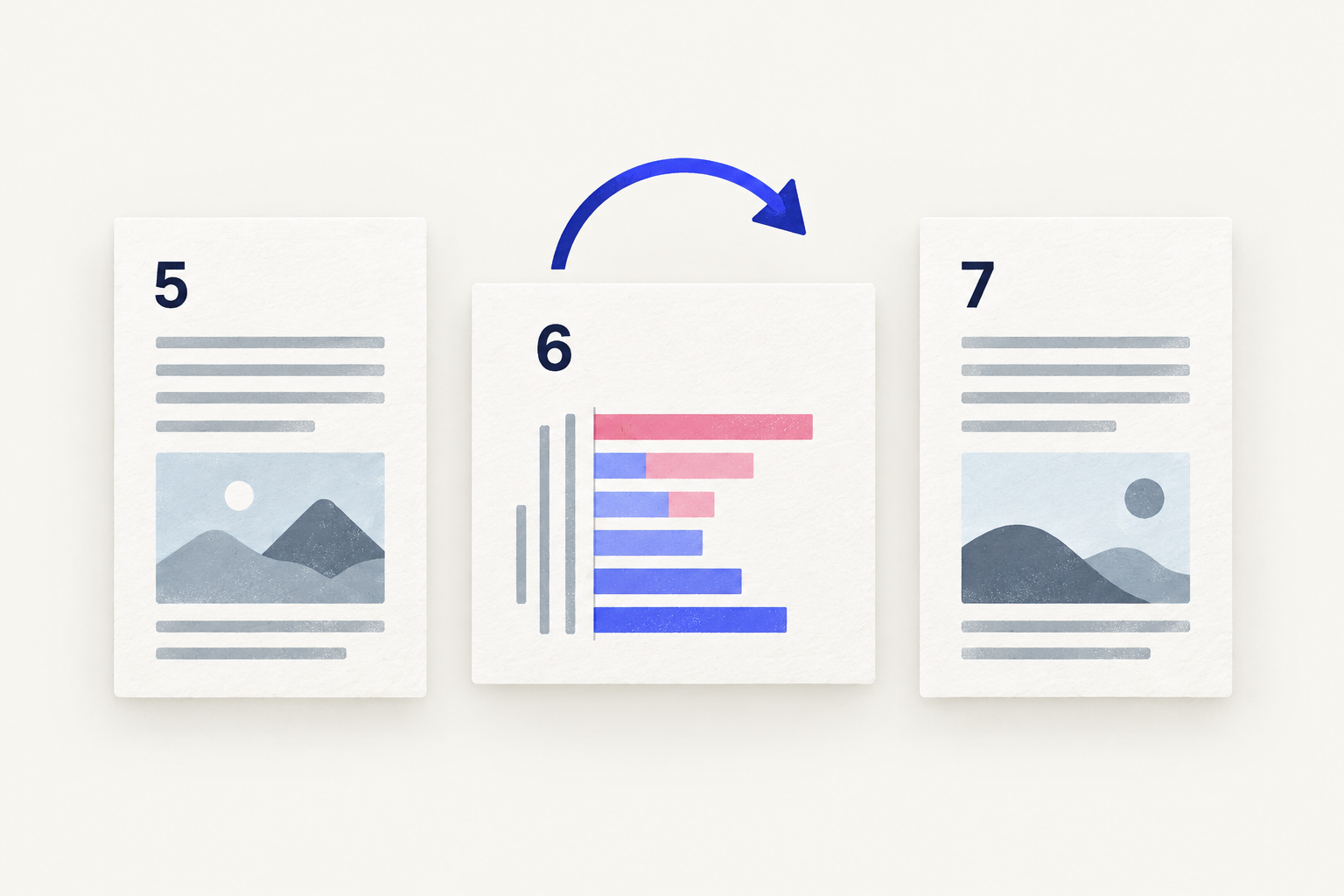
Rotate vs crop at a glance
| The problem | Fix | What it changes |
|---|---|---|
| You tilt your head to read the page | Rotate | The page's orientation |
| The page is upside down | Rotate twice | The page's orientation |
| Wide grey or black scanner border | Crop | The visible page area |
| Upright page, but tilted a few degrees | Rescan | Neither tool straightens it |
| Private detail near the edge | Redact | Removes the content itself |
The first question is always the same: does the text read the right way up? If not, rotate. If it does, rotation has nothing to fix.
How to rotate a sideways scan with Deckle
- Open Rotate PDF and choose your scan, or drop it onto the page.
- Under Rotation scope, choose This page to turn only the page in the preview, or keep All pages if every page is sideways.
- Choose Turn right if the text runs from bottom to top, or Turn left if it runs from top to bottom.
- Check the preview and turn again if needed. Two turns make a page upright from upside down.
- Choose Rotate PDF. Until a page is turned, the button stays disabled and says "Turn at least one page first."
- Download the new PDF and open it to check.
The result screen tells you how many pages were turned. Your original scan stays as it was.
Why cropping can't fix orientation
Cropping draws a smaller window over the page. Everything inside the window is shown and everything outside it is hidden. The window has the same orientation as the page, so the text inside it is still sideways. Cropping a sideways scan tightly just gives you a smaller sideways page.
Rotation works the other way. It keeps the whole page and changes the instruction for which way up to show it. Nothing is trimmed, and the text, image and page size are unchanged; a portrait page becomes a landscape page and the other way round.
When you need both
Some scans are sideways and have a wide border, for example a phone photo of a receipt lying on a dark table. Rotate first, then crop:
- Rotate the page so it reads correctly.
- Look at the borders on the upright page. Top, bottom, left and right now mean what they look like, which makes crop margins easier to judge.
- Crop the border, keeping a little space around signatures, stamps and page numbers.
Deckle doesn't crop pages, so use the page-cropping tool in your PDF editor for step 3, or rescan the document with a tighter scan area. For many scans the border is harmless and you can leave it.
Cropping hides, it doesn't delete
A crop changes what a reader displays, not what the file contains. Adobe's help notes that cropping only hides content and that resetting the page size restores it.
That matters when the border holds something you don't want to share, such as an account number on the edge of a statement. Cropping is not a safe way to remove it. Remove the page with Organize PDF pages, or rescan the document without the sensitive part. A cropped PDF can still contain hidden content explains this in more detail.
Tips
- Check orientation before anything else. Rotate, reorder and remove pages before you merge or crop. See how to rotate one page in a PDF.
- Leave intentional landscape pages alone. A wide table that reads correctly when you turn the sheet is not sideways.
- Fix a whole scan packet in one pass. Organize PDF pages turns several selected pages together and removes blank backs at the same time; see fix sideways pages in a mixed scan packet.
Other ways to rotate or crop
- Preview on a Mac. Click Rotate Left in the toolbar, or hold Option and click Rotate Right, to turn the selected pages. To crop, show the Markup toolbar, select the area to keep and click Crop. Preview saves changes to the file you opened, so choose File > Duplicate first.
- Adobe Acrobat. The paid desktop app rotates pages from Organize Pages and crops them with its Crop Pages tool. In the free Reader, View > Rotate view changes only the display.
Frequently asked questions
Should I rotate or crop a sideways PDF?
Rotate it. Cropping only trims the visible edges and cannot change which way the page faces.
Does rotating a scan cut anything off?
No. Rotation keeps the whole page and only changes its orientation. Nothing is trimmed or re-compressed.
Can I crop a PDF in Deckle?
No. Deckle rotates, reorders, removes and splits pages, but doesn't crop them. Use your PDF editor's crop tool for borders.
Will rotating fix a crooked scan?
No. Rotate PDF turns pages in 90-degree steps. A page tilted by a few degrees needs rescanning to be straight.
Related tools
- Rotate PDF to turn sideways or upside-down pages
- Organize PDF pages to rotate, reorder and remove pages together
- Merge PDFs to combine corrected scans