Organise pages
Why did my PDF page move to the wrong place (and how to fix it)
By DeckleUpdated
If a page ended up in the wrong place while you were reordering a PDF, choose Undo in Organize PDF pages to step back, or open the page's ⋯ menu, choose Move to position… and enter where it belongs. Nothing is saved until you choose Save pages, and your original file is never changed, so a wrong move can always be fixed. If the wrong order is already in a saved copy, open the original again and repeat the moves.
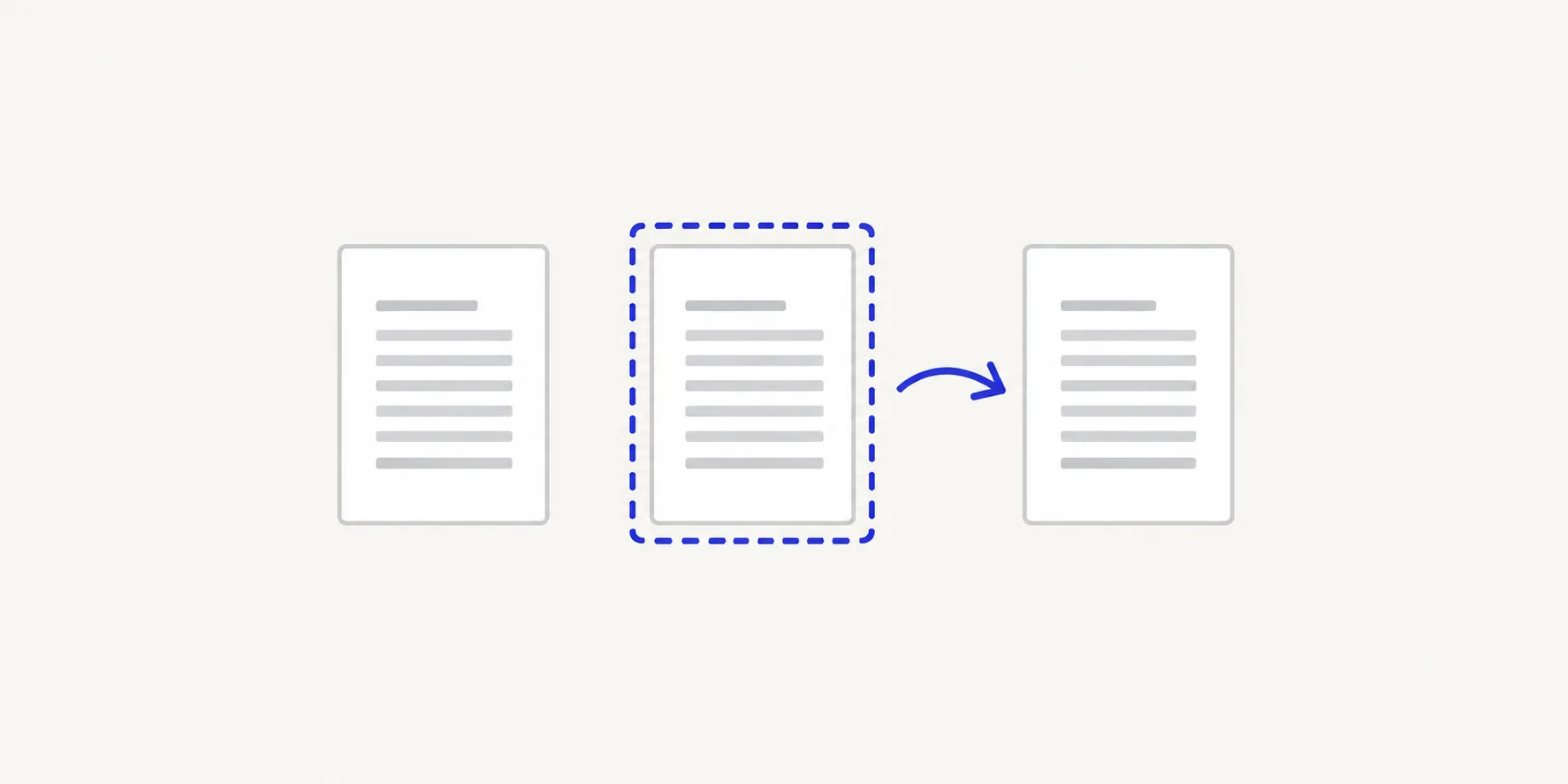
How to fix a page in the wrong place
- In Organize PDF pages, find the page that moved. Its thumbnail shows its new position and where it came from, such as "4 · was 9".
- If it was your last change, choose Undo. Each click steps back one change; Redo steps forward again.
- If you have made other moves since, leave them in place. Open the page's ⋯ menu and choose Move to position….
- Type the position the page should have in the finished PDF and choose Move.
- Check the pages either side of it, then read the grid from the first thumbnail to the last.
- Choose Save pages and open the new PDF to confirm the order.
If too much has gone wrong to fix one page at a time, Reset pages puts every page back in its original order and you can start again.
Why pages land in the wrong place
Most wrong moves come from one of these:
| What happened | Why | Fix |
|---|---|---|
| A page is one place off | It was dropped just before or after the gap you meant | Drag it one step, or use Move earlier or Move later |
| A page went to the wrong number | The position was a printed page number, not a file position | Use Move to position… with the file position |
| Several pages are scattered | They were moved one by one, and each move shifted the others | Select them together and move them as a group |
| A group arrived in the wrong order | The pages were selected in one order but belong in another | Move each page into place within the group |
| The copy was saved before the last fix | Save pages saves the order as it was at that moment | Open the original and redo the moves |
Position means place in the finished file
Move to position… counts pages in the output, from 1. Enter 4 and the page becomes the fourth page of the new PDF, whatever is printed on it.
This is where printed numbers catch people out. Example: a 20-page report has a cover and a contents page, so printed page 1 is at position 3. To put a chart before printed page 7, move it to position 9, not 7. Find the page you want it to follow in the grid and use the position after that one.
The Single page layout helps here. It labels the selected page with its output position and its source page, so you can confirm both before and after a move.
Moving one page shifts the others
When a page moves earlier, every page between its old and new position moves one place later, and the other way round. That is why moving several pages one at a time can leave them scattered: the positions you noted at the start no longer match.
Two ways to avoid it:
- Move groups together. Select the pages with the checkboxes, or hold Shift, Command or Ctrl while you click, then use the toolbar above the grid to move them earlier, later, to the start or to the end. They keep their order relative to each other.
- Work from the front. Fix the first page that is out of place, then the next. Pages you have already placed don't move when you move later ones to the end.
Tips
- Check after every few moves. A small change is easy to undo; ten moves later it is hard to tell which one went wrong.
- Read pages in the Single page layout, not thumbnails alone. Pages of a form or a table look alike at thumbnail size.
- Plan long reorders on paper. A target order such as "1, 10, 11, 2–9, 12" turns the job into a few precise moves. See how to reorder pages in a PDF.
- Fix file order in the merge list. If whole files are in the wrong order in a merged PDF, rearrange them in Merge PDFs and merge again rather than moving pages. See merged PDF pages in the wrong order.
Other ways to move a page back
- Preview on a Mac. Choose View > Thumbnails and drag the page back into place. Preview saves changes as you go, so the wrong move stays in the file until you fix it.
- Adobe Acrobat. In the paid desktop app, choose All tools > Organize pages and drag the page thumbnail back to its correct place.
Frequently asked questions
Can I undo a page move after saving?
Not in the saved copy, but your original file is unchanged. Open it in Organize PDF pages and make the moves again, then save a new copy.
Why did the page go to the wrong number when I typed its position?
The position counts pages in the file, starting at 1. If you typed the number printed on the page, front matter such as a cover can put it a few places off.
How do I move a page to the very end?
Open the page's ⋯ menu and choose Move to end. For several pages, select them and choose Move selected pages to end in the toolbar.
Can I reset just one page?
No. Reset pages returns every page to its original position. To fix one page, move it back with Move to position… or use Undo.
Related tools
- Organize PDF pages to move, rotate, duplicate or remove pages
- Merge PDFs to fix the order of whole files
- Split PDF to break a long document into parts before reordering